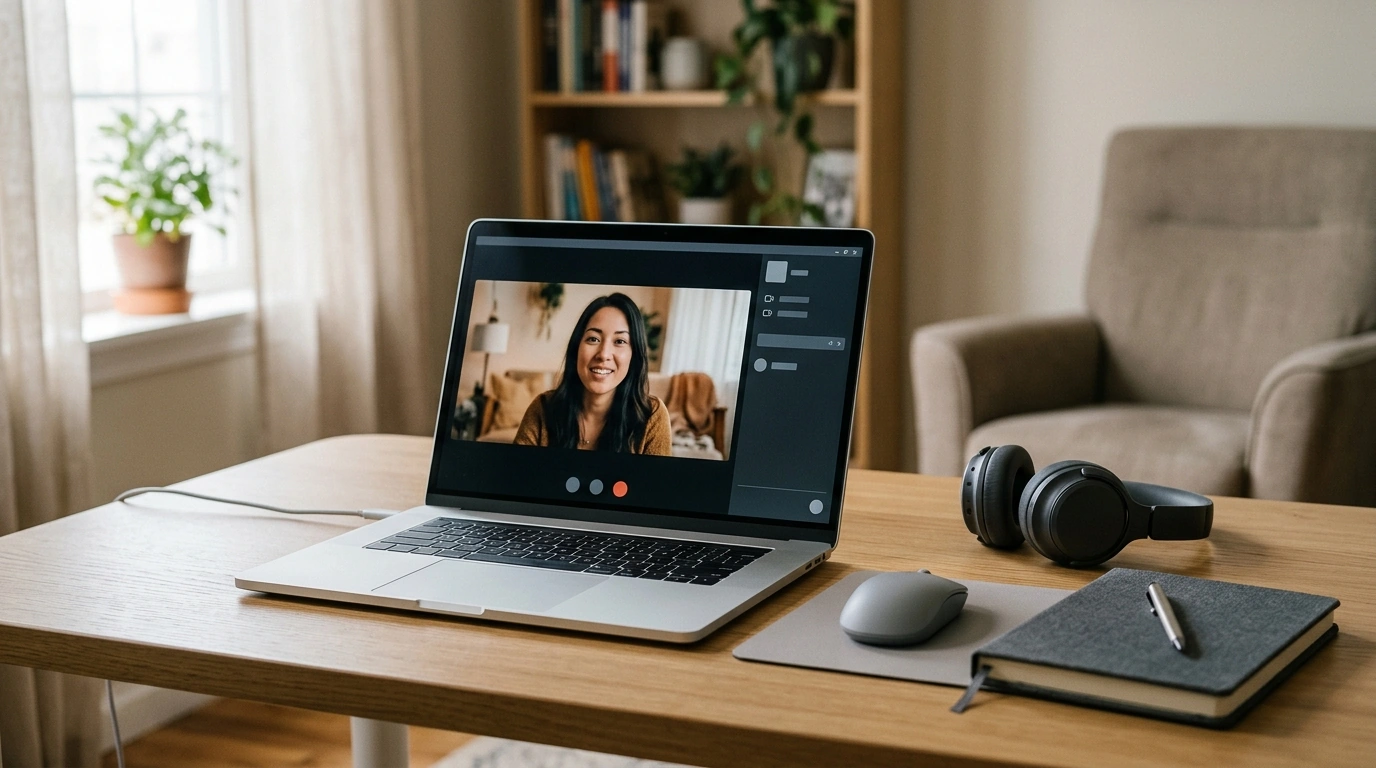
A home laptop should fit the way you actually use it, whether that means checking email, joining video calls, finishing schoolwork, or streaming a favorite show. The best choice is not necessarily the most expensive one; it is the one that handles your priorities comfortably and stays within your budget. For more guidance, see Laptop & Chromebook Buying Guide.
Our digital guide, How to Pick the Perfect Home Laptop, offers a practical starting point for a more confident choice. Before you compare models, use the steps below to narrow down what matters to you. For further reading, see Laptop Buying Guide – Features for Your New Computer.
Make a short list of the tasks you expect your laptop to handle. Include everyday activities as well as occasional projects, then identify the most demanding task on the list. That task is often the best starting point for deciding how much performance you need.
For example, browsing, email, and streaming generally place fewer demands on a laptop than editing video, playing graphically intensive games, or running specialized software. A computer that feels comfortable for a few browser tabs may struggle when you add large files, creative applications, or several programs at once.
Set a budget before you shop, and leave room for extras. You may need a mouse, headset, external monitor, software subscription, or adapter for a device you already own. Factoring those costs in early can make it easier to compare the total price of your setup.
| Typical use | What to prioritize |
|---|---|
| Browsing, email, and streaming | A comfortable screen, dependable Wi-Fi, and enough memory for multitasking |
| Schoolwork and video calls | A suitable operating system, webcam, microphone, and comfortable keyboard |
| Creative work or gaming | Compatibility with required software and hardware suited to demanding tasks |
If several people will share the laptop, consider each person’s needs. A student’s required application or another family member’s game may be more demanding than the tasks you do most often.
The processor, memory, and storage each affect your experience in different ways. You do not need to memorize every model number, but understanding their roles can help you make useful comparisons.
Solid-state storage, often called an SSD, can make a laptop feel responsive when it starts up and opens files. Cloud services can reduce the amount of local storage you need, but access may depend on an internet connection, and extra cloud space can carry a recurring cost. Keep local space in mind if you regularly work offline or save large files.
Before settling on specifications, look up the requirements for any essential apps, including school software or games. Check both minimum and recommended requirements where available. For a Windows laptop, you can also review Microsoft’s Windows 11 specifications and system requirements.
A larger screen can make documents easier to read and give you more room to work with multiple windows. A smaller laptop is generally easier to carry from the kitchen table to the couch. Consider keyboard comfort, too: if you type for long stretches, a layout that feels comfortable may matter more than a compact design.
Think about where you will use the laptop and what you will connect to it:
Also confirm that your preferred operating system supports the apps and peripherals you rely on, such as a printer or drawing tablet. If energy efficiency is important to you, ENERGY STAR’s computer resources provide another useful point of comparison.
Once you know your main tasks, budget, and must-have features, compare a few suitable options side by side. Focus on the differences you will notice in daily use rather than paying extra for features you are unlikely to use. A comfortable keyboard and sufficient memory, for example, may be more valuable to you than performance intended for demanding games.
Our How to Pick the Perfect Home Laptop digital guide is available for $10.99 USD. It is a digital download for shoppers who want a simple approach to choosing a laptop for home use.
We also offer an essential oils relaxation eBook guide if you are exploring other digital guides for your home.
The right amount depends on your apps and how much multitasking you do. Check the requirements for your essential software and allow room for future needs.
A larger screen can improve readability and workspace, but it generally makes a laptop less portable. If you want a smaller laptop with more screen space at your desk, an external monitor may be an option.
No. How to Pick the Perfect Home Laptop is listed as a digital download, not a physical book.






Leave a comment