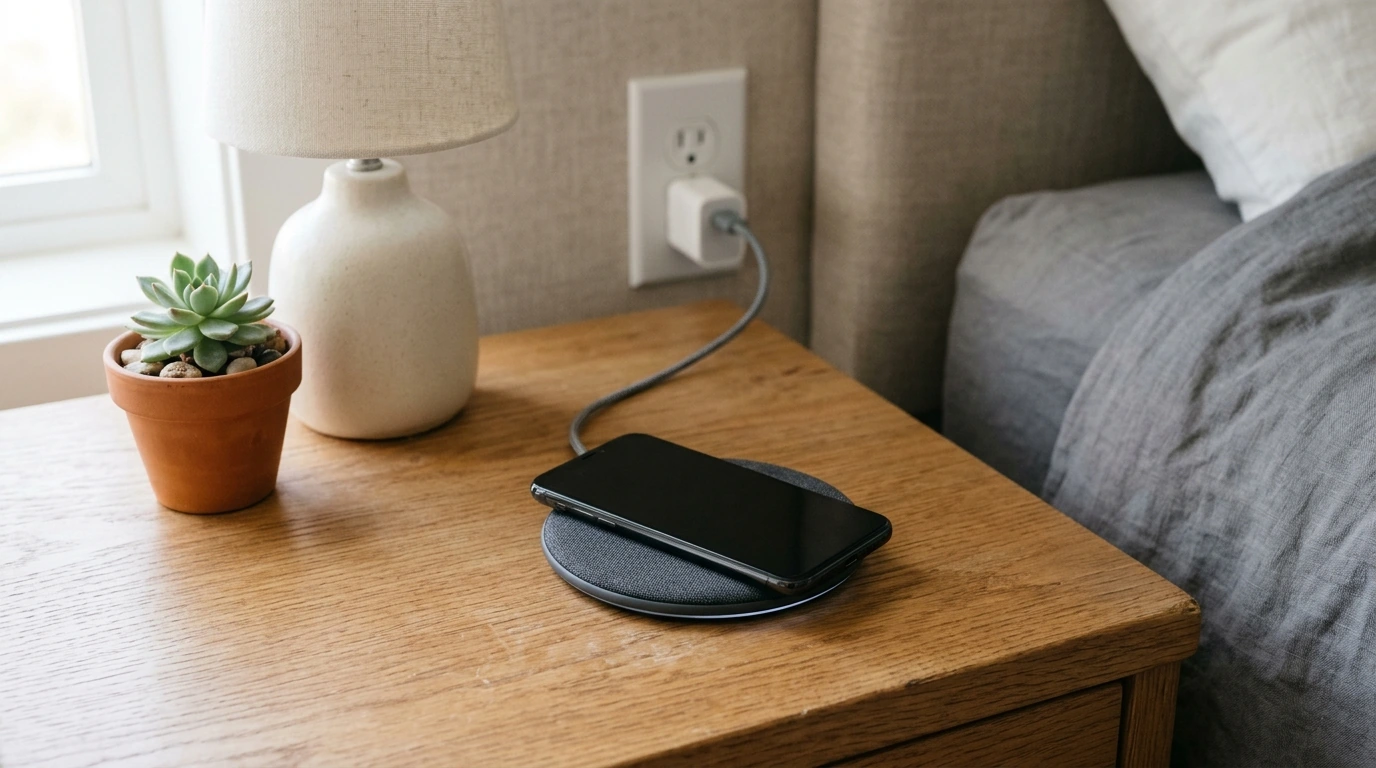
Wireless charging can make it easier to power compatible devices without plugging in a cable each time. A useful setup starts with more than choosing a pad that looks good, though: your device, charger, power adapter, and placement all play a part in how well it works.
Our guide will help you understand the basics, compare charging speeds, and choose a setup that suits your bedside table or desk.
If you’re buying your first wireless charger, the range of standards, wattages, and designs can feel confusing. If you already own one, you may simply want a more convenient place to charge or a better way to accommodate several devices.
Our Wireless Charging: A Complete Guide is available for $7.99. It offers an overview of charger selection, speed, compatibility, and everyday setup, so you can approach a purchase with clearer expectations.
Start with the device you want to charge. It must support wireless charging or use an accessory specifically designed to add that capability. Look for wireless charging information in the device’s specifications rather than assuming a newer phone will work with any pad.
Qi and Qi2 are wireless charging standards developed by the Wireless Power Consortium. They provide a useful starting point when comparing devices and chargers, but you should still check the specifications of both products. Features and charging speeds can differ even when a charger and device use compatible standards. The Wireless Power Consortium’s Qi overview explains the standard in more detail.
Magnetic alignment can help position a compatible phone on a charger, but not every magnetic accessory supports every charging feature. Cases matter, too: a case designed for magnetic charging may work better than one with a thick back or an attached metal plate. Watches and earbuds can have their own requirements, so confirm support for each model before choosing a multi-device charger.
A charger advertised with a high wattage won’t necessarily deliver that rate to your device. Your phone may accept a lower maximum, or the charger may provide its highest output only to certain compatible devices. Compare the device-specific output with your device’s supported wireless charging speed.
The power adapter also matters. Some chargers need an adapter with a particular output or charging protocol to reach their advertised performance. An adapter may not be included, so account for one if necessary and follow the charger manufacturer’s recommendation.
Everyday conditions can affect speed as well. Poor alignment, a thick case, or excess heat may reduce performance. If charging seems unusually slow, reposition the device, try removing the case, and make sure the charger has the recommended power supply.
| Consideration | What to check | Why it matters |
|---|---|---|
| Compatibility | Device support and charger standard | Helps ensure the device can charge |
| Speed | Device-supported output and adapter requirements | Sets realistic charging expectations |
| Alignment | Pad position or compatible magnetic alignment | Helps maintain a reliable connection |
| Setup | Pad, stand, or multi-device design | Matches the charger to the space and devices |
A flat pad can be a simple choice for a bedside table: place your phone on it when you’re ready to charge and lift it off when you need it. Choose a spot where the pad is unlikely to be knocked over and where you can see or hear the phone’s charging confirmation.
A stand may be more useful on a desk if you want to glance at notifications or use your phone while it charges. Check whether the stand supports your phone’s size and preferred orientation, since the charging area must line up with the phone.
A multi-device charger can reduce clutter if you regularly charge a phone, earbuds, and a watch in the same place. Before buying, confirm that each charging position supports your specific device; a space shaped for a watch does not guarantee it will charge every watch.
Place the charger on a stable, ventilated surface and use the power adapter specified by its manufacturer. Align the device carefully, then look for its charging indicator. Remove coins, metal plates, or incompatible accessories from between the device and charger. For iPhone-specific placement and safety guidance, see Apple’s wireless charging instructions.
Our team recommends a straightforward sequence: confirm compatibility first, compare the speeds your device can actually receive, check adapter requirements, and choose a pad, stand, or multi-device design that fits your space. That approach helps you focus on the features you can use rather than the biggest number on the box.
For more help getting started, explore our Wireless Charging guide. If you’re also organizing other parts of your routine, our car donation checklist is a separate resource for planning a charitable vehicle donation.
No. Check your phone’s specifications for wireless charging support and confirm that it is compatible with the charger.
Device limits, an unsuitable adapter, poor alignment, a thick case, or heat can slow charging. Check your device and charger instructions for the recommended setup.
Some cases work with wireless chargers, but thickness, materials, and attached metal accessories can interfere. Check the charger and case manufacturers’ guidance.





Leave a comment