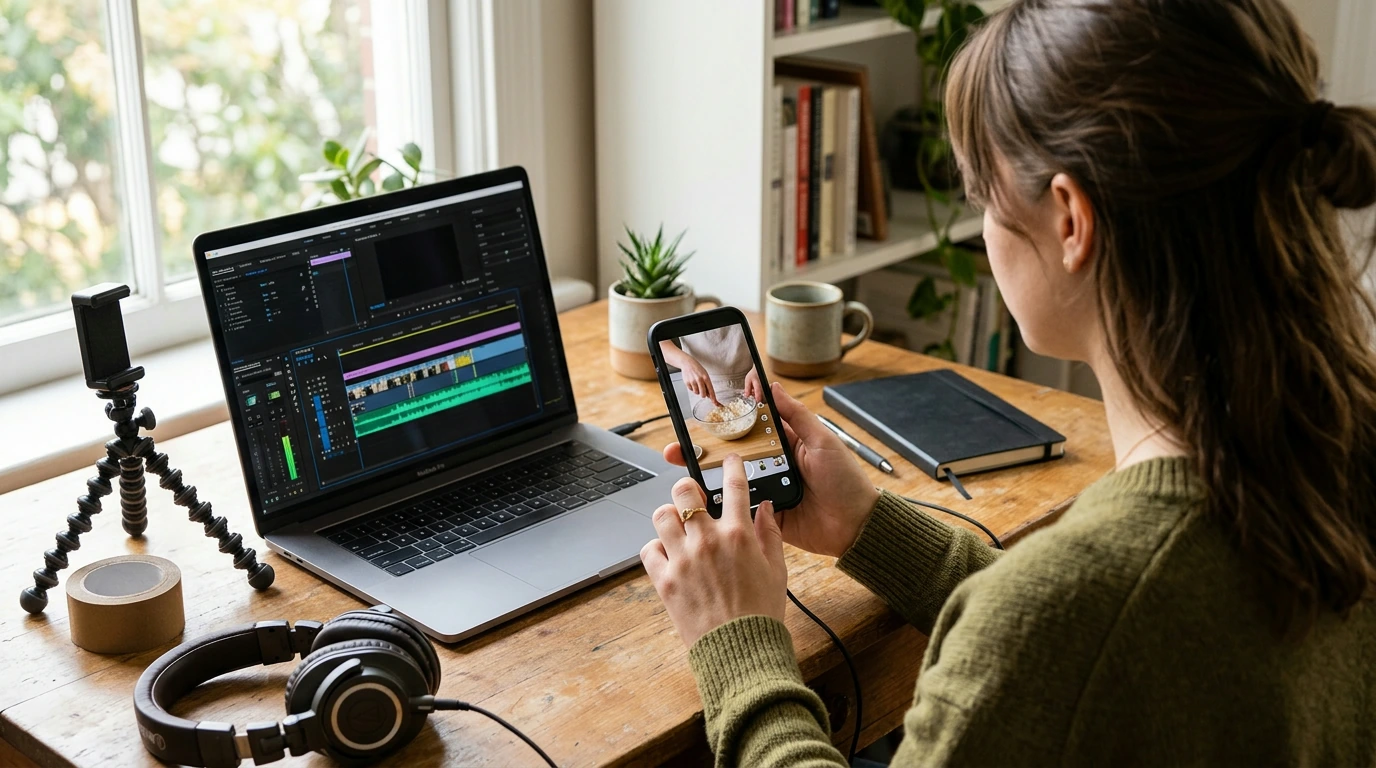
A short-form video can start with a good idea and still feel scattered by the time you are ready to post. A simple plan helps you decide what to say, what to show, and what to check before your Reel or TikTok goes live. For more guidance, see How to Comply with TikTok’s AI Label Rule When You Use AI Video Tools ….
AI can help you brainstorm and speed up routine editing, but your judgment gives the video its direction. Our AI Video Hacks creator checklist is a companion for keeping your pre-post routine organized as you turn ideas into short-form content.
Choose one question, problem, or takeaway for each video. If you want to explain three different concepts, consider making three posts rather than squeezing everything into one. A focused idea gives viewers a reason to keep watching and makes your editing decisions easier.
Try asking an AI tool for several ways to approach your topic. You might request a beginner-friendly explanation, a common-mistake angle, and a quick demonstration. Then choose the approach that fits your audience and sounds like you. You can also discard the suggestions and use them as inspiration for an original angle.
Write an opening that tells viewers why the topic matters. For example, “Here’s a quick way to organize your next video idea” sets a clear expectation. Avoid claiming that a particular trick will guarantee followers, sales, or viral reach.
Once you have a topic, use AI to draft a rough script or outline. Treat that draft as a starting point, not a finished post. Read it aloud, replace stiff phrasing, and check factual claims against reliable sources. Add your own examples or perspective where they make the point clearer.
Next, plan visuals that support the main idea. A demonstration, a close-up, or a short text overlay can help explain a point more effectively than a string of unrelated clips. Keep transitions purposeful: use them when they clarify a change in scene or idea, not simply because they are available.
The following workflow is general guidance you can adapt to your own tools and process.
| Stage | AI-assisted task | Creator check |
|---|---|---|
| Idea | Generate topic angles | Pick one relevant takeaway |
| Script | Draft a concise outline | Verify claims and adjust the voice |
| Edit | Assist with captions or trimming | Check readability and pacing |
| Publish | Suggest caption options | Review accuracy and platform rules |
Automatic captions can save time, but they may mishear names, technical terms, or spoken emphasis. Review them against the audio, correct mistakes, and give viewers enough time to read each line. If you use AI to suggest a post caption, make sure it accurately represents the video rather than adding claims you did not make.
Preview your video on a mobile screen, ideally at the size your audience is likely to see it. Watch the opening without skipping ahead: is the topic clear? Then review the rest for pauses that slow the message down or cuts that make it hard to follow.
Look at the captions and any on-screen text. Use readable sizing and contrast, and keep important words and visuals away from areas where platform controls may cover them. Your final call to action should match the video’s purpose, whether you want viewers to consider a question, save a tip, or visit a relevant page.
Before publishing, confirm that you have permission to use the music, footage, and images for your intended use. Platform availability does not necessarily mean every asset is cleared for every purpose, especially if your post promotes a product or business. Review current guidance from TikTok Creator Academy and Instagram Creators as you plan.
A checklist can make these reviews more consistent, but it cannot guarantee reach or replace your own final judgment.
Our AI Video Hacks for Reels & TikTok creator checklist is a product for short-form creators who want a companion for their pre-post routine. It is listed at $5.99 USD; the price is subject to change.
Use a repeatable review to catch the small things that are easy to miss when you are eager to publish. For example, you might reserve a final pass for caption errors and permissions, then make a separate decision about whether the opening communicates your main point.
A sustainable routine also leaves room to step away between projects. If you are interested in relaxation reading alongside your creative work, our relaxation eBook guide is another option to explore.
After publishing, review the platform insights available to you and compare them with the post’s intended goal. A video designed to answer a question may call for a different assessment than one intended to introduce your work. Consider the context instead of relying on one number.
When you make your next video, try changing one element at a time, such as the opening line or the post caption. That makes it easier to interpret what may have contributed to a difference, although audience behavior and other factors can still affect results. Use what you learn to refine your next idea, not as a promise that a particular approach will succeed.
AI can help you brainstorm and produce videos, but no tool or checklist can guarantee viral reach.
Use AI drafts as a starting point, then revise the wording, verify claims, and add your own perspective.
Review the opening, pacing, captions, visual clarity, permissions, and call to action before you publish.





Leave a comment