-
Shop
- Adidas
- Advanced Technologies
- Bathroom
- Best-Sellers
- Car Accessories
- Dating & Social Skills
- Digital Resources
- AI & Technology
- AI Skills
- Beauty
- Budgeting & Saving
- Car Buying & Ownership
- Cozy Feast Collection
- Electronics & Technology
- Emotional Intelligence
- Entrepreneurship & Business Growth
- Financial Education
- Financial Independence
- Financial Mindset & Psychology
- Goal Setting
- Home Styling & Organization
- Kitchen & Recipes
- Leadership
- Mindfulness
- Mindset
- Motivation
- Online Business
- Parenting & Child Development
- Personal Style & Fashion
- Pet Lifestyle & Wellness
- Positive Thinking
- Productivity
- Self Confidence
- Sleep Improvement
- Smart Life with AI
- Stress Management & Relaxation
- Travel Planning
- Wellness
- Yoga & Fitness
- Yoga & Mind-Body Practices
- Easter Products
- Education & Learning
- Family & Parenting
- Fashion
- Alexander McQueen
- Bags
- Bags & Wallets
- Balenciaga
- Belts
- Blazers
- Bottega Veneta
- Brunello Cucinelli
- Burberry
- Chanel
- Chloé
- Dior
- Dolce & Gabbana
- Dresses
- Etro
- Fendi
- Gucci
- Hats & Hair Accessories
- Jewelry
- Jil Sander
- Keychains
- Kiton
- Luggage
- Miu Miu
- Off-White
- Outerwear
- Prada
- Rick Owens
- Saint Laurent
- Shoes
- Socks & Tights
- The Row
- Tom Ford
- Valentino
- Valentino Garavani
- Versace
- Vivienne Westwood
- Watches
- Furniture
- Gadgets
- Health & Beauty
- Health & Wellness
- Home & Garden
- Home Electronics
- Kids & Babies
- Kitchen
- Lighting
- Patio, Lawn & Garden
- Personal Growth
- Pet Care
- Pet Supplies
- Pets
- Smart Home Living Guides
- Sport & Outdoors
- Stress Relief & Relaxation
- TikTok Growth & Monetization Mastery
- Travel
- Wealth
- Wealth Building
- Popular
- Best deals
Best Programs Designers Use for Mood Boards in 2026
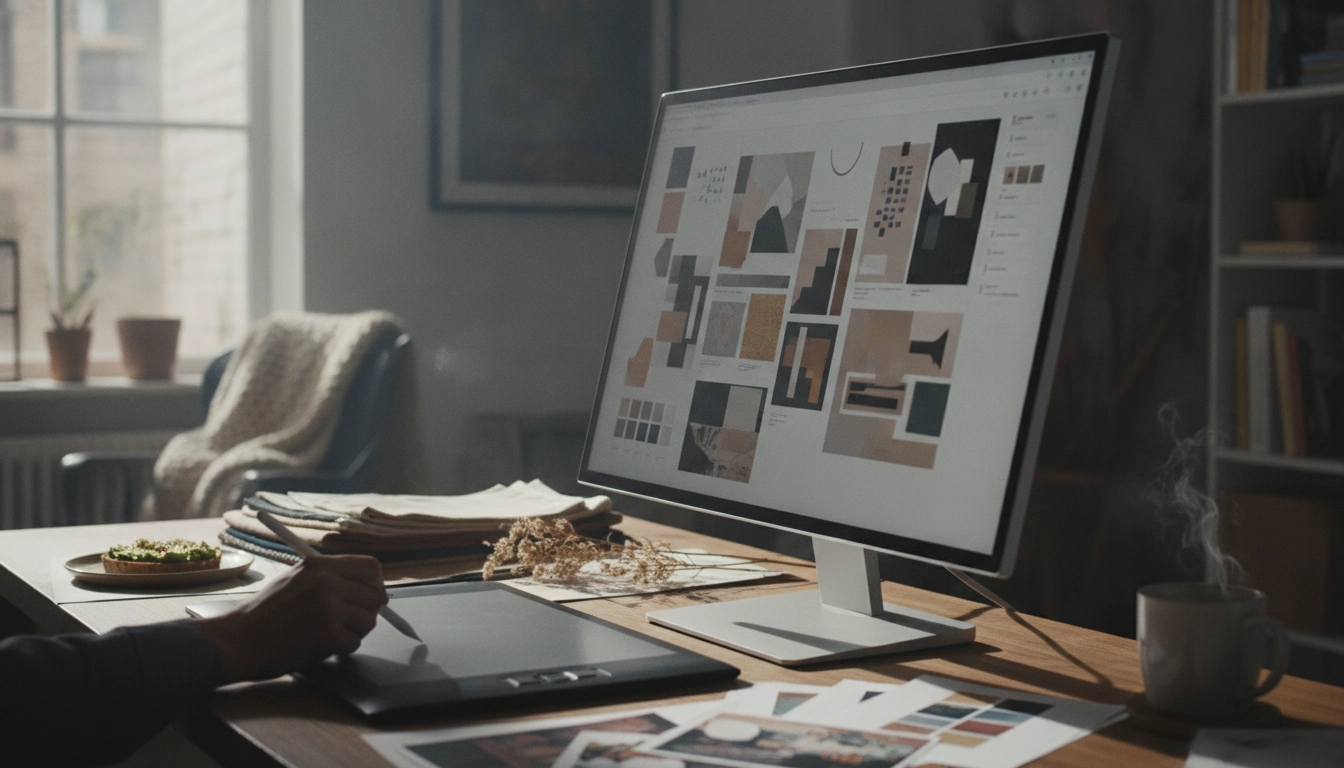
What program do designers use to make mood boards?
Designers use a mix of specialized and everyday tools to build mood boards, and the “best” program usually depends on whether the board needs to be quick and flexible, presentation-ready, or collaborative.
Popular mood board programs designers rely on
Adobe InDesign is a go-to when the final board needs a polished, print-like layout with precise typography, spacing, and grids. Many designers pair it with Adobe Photoshop for image editing (color tweaks, cropping, removing backgrounds) and Adobe Illustrator for icons, patterns, and vector elements.
Figma is widely used for digital design teams because it’s fast, visual, and collaborative. It’s easy to drag in images, build consistent frames, and share a link for real-time feedback.
Canva is popular for speedy mood boards with templates, especially when you want something attractive without spending time setting up a layout from scratch. It’s also practical for non-designers working with a brand team.
Milanote is a favorite for creative direction and ideation. It behaves like a visual pinboard, making it easy to collect references, add notes, and organize concepts without forcing everything into a rigid grid.
Pinterest is frequently used as a discovery tool (gathering inspiration), then designers export or screenshot a curated set into a presentation tool for the final board.
Simple tools that still get the job done
For internal reviews or quick client check-ins, many designers will build mood boards in PowerPoint, Keynote, or Google Slides. They’re easy to share, comment on, and present—especially when the goal is alignment rather than perfection.
Choosing the right program for your project
If your mood board needs to guide styling decisions—like color, materials, and overall vibe—pick a tool that makes iteration easy. For example, if you’re pulling together warm, cozy table inspiration, you can pair a flexible mood board tool with a practical checklist for styling choices. For a step-by-step approach, visit this cozy table mood board and warm tablescape guide.
FAQ
How do you make a mood board for a cozy tablescape?
Start with a tight color palette, then collect references for linens, dinnerware, glassware, and lighting that match the mood. Arrange them together with a few texture cues (wood, ceramic, brass) so the overall “warmth” reads at a glance.








Leave a comment